Executive Takeaways
- Lifting virtual machines directly into the cloud without right-sizing or adopting managed services frequently increases monthly operating costs.
- Database chatty queries, file-share assumptions and legacy authentication protocols are the most common sources of cutover surprises.
- Defining network boundaries, identity federation, backup targets and budget alerts before wave one prevents expensive retrofits.
1. Clarify the real operational drivers first
Every successful cloud migration starts with a plain statement of what problem the move solves. Expiring server hardware, unreliable single-site power, slow environment provisioning, geographical latency or compliance isolation each point toward different architectural priorities.
When stakeholders treat "move to the cloud" as the goal itself rather than an engineering means to an operational outcome, teams tend to copy existing infrastructure flaws into rented virtual machines—paying cloud rates while keeping on-premises maintenance habits.
2. Map application and network dependencies thoroughly
Production systems rarely stand alone. Over years of operation, applications accumulate scheduled batch jobs, shared network drives, hardcoded internal IP addresses, SMTP relays, printer queues and synchronous database calls to neighbouring applications.
Moving half of a tightly coupled pair to the cloud while leaving the other half on-premises introduces wide-area network latency between calls that previously ran across a local switch in under a millisecond. A single web page making forty sequential SQL queries may feel instantaneous on-site yet stall noticeably across a VPN.
- Catalogue inbound and outbound connections, ports and service accounts for each workload.
- Identify latency-sensitive database or file-system couplings that must migrate together in the same wave.
- Check authentication mechanisms—such as NTLM, Kerberos or local LDAP—against modern cloud identity federation.
3. Choose between rehosting, replatforming and retiring
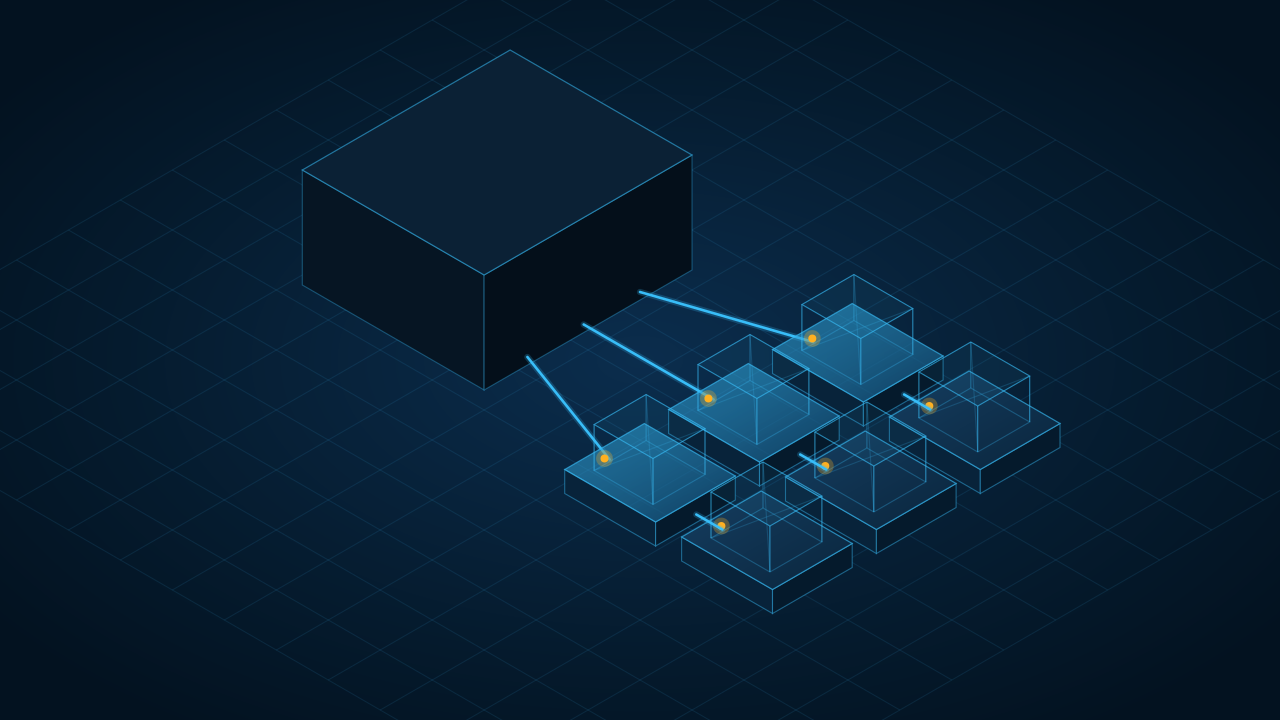
Not every workload deserves the same engineering investment. Industry frameworks often group options into the "6Rs", yet in day-to-day commercial planning most decisions come down to four practical paths:
- Retire or Replace: Decommission unused legacy utilities or replace commodity functions with standard SaaS.
- Rehost (Lift and Shift): Move virtual machines rapidly when hardware deadlines are tight, with a scheduled plan to right-size shortly after.
- Replatform (Lift and Reshape): Keep core application code intact while moving databases to managed SQL services and web tiers to managed app/container platforms—often the strongest return on effort.
- Refactor: Re-architect high-value systems for elastic scaling, queues and serverless patterns where business growth justifies the engineering effort.
4. Plan data residency, security baselines and backups
Australian organisations frequently prefer or require primary and backup storage to remain within Australian cloud regions (for example, pairing primary workloads with geo-redundant recovery inside Australia rather than defaulting to overseas regions). Verify regional service availability early, as certain specialist cloud SKUs roll out to major US/EU hubs before regional data centres.
At the same time, design a clean landing zone before deploying workloads: separate development and production subscriptions or resource groups, enforce multi-factor authentication and role-based access control, store secrets in a managed vault, and verify backup Recovery Point Objective (RPO) and Recovery Time Objective (RTO) targets via an actual test restore.
5. Model ongoing cloud costs honestly
On-premises infrastructure hides idle capacity inside sunk capital hardware; cloud billing charges continuously for provisioned compute, storage IOPS, snapshot retention, static IPs, log ingestion and outbound data egress.
Before cutover, right-size instances using observed historical CPU and memory utilisation rather than peak theoretical guesses, shut down non-production environments outside working hours where practical, apply mandatory cost-allocation tags from day one, and configure automated budget threshold alerts.